In-House Engineers Supporting Every Screen
The engineer who loads and tests your app also stays on site. If a screen freezes or a touch zone drifts, it is fixed in minutes.





Interactive Touch Screens · Dubai & GCC
Lazulite rents interactive touch screens for exhibitions, experience centres, conferences and brand activations in Dubai, the UAE and across the GCC. Choose OLED portrait and landscape displays, slanting kiosk screens or a compact floor kiosk, all with multi-touch. Our designers build the touch app, and our engineers install and run every screen on site. We support 200+ events a year.
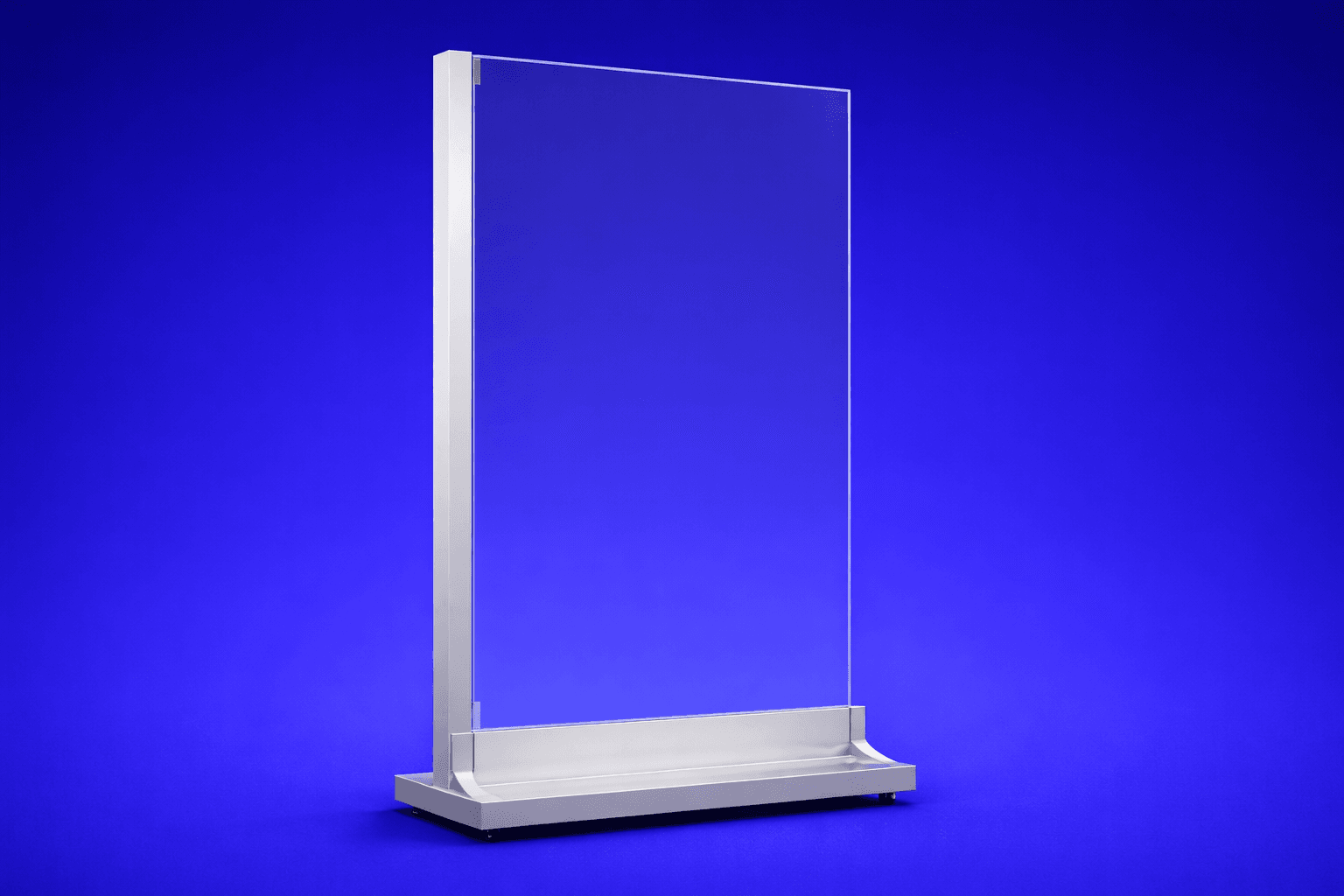 Portrait display
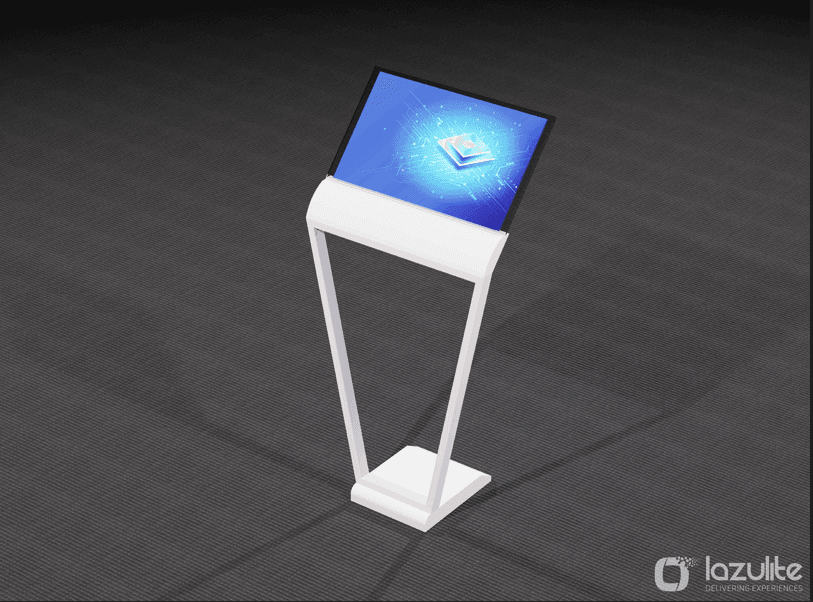
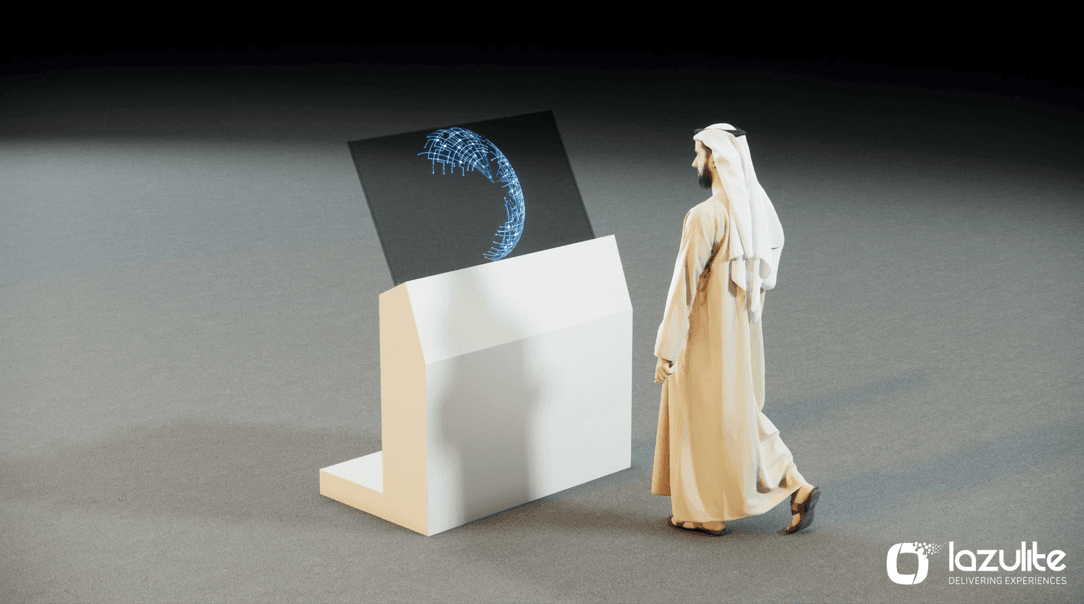 Slanting kiosk
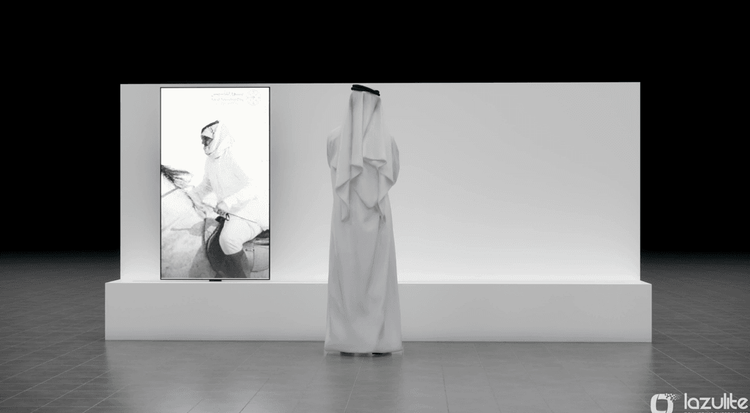
 Landscape display
Quick facts
An interactive touch screen is a large display that responds to touch. Visitors browse products, play games, fill in forms or explore maps on their own. Multi-touch models let several people use one screen at the same time.
400+
Touch Screens Deployed
150+
Stands and Experience Centres Equipped
60+
Custom Touch Apps Built
5
Touch Screen Formats
Every rental includes the screen, its stand or kiosk body, a media player and your touch app, loaded and tested. Our crew delivers, installs and removes the screens. An engineer stays on site, so every screen keeps responding through show hours.
Each display carries a touch layer that tracks several fingers at once. A media player runs the app and links each touch to the right content. OLED panels give deep blacks and wide viewing angles, so content reads well from the side.
Most of our touch screens are 55-inch panels in portrait or landscape, plus a 30-inch floor kiosk. We send a content sheet with your quote that lists resolution, orientation and file formats. Apps run fully offline when venue Wi-Fi is weak.
Run a product catalogue, a quiz, a sign-up form, a wayfinding map or a video library. Our designers build the app in English and Arabic, in your brand colours and fonts. We can also brand the kiosk body and link a screen to an LED wall.
Choose a configuration
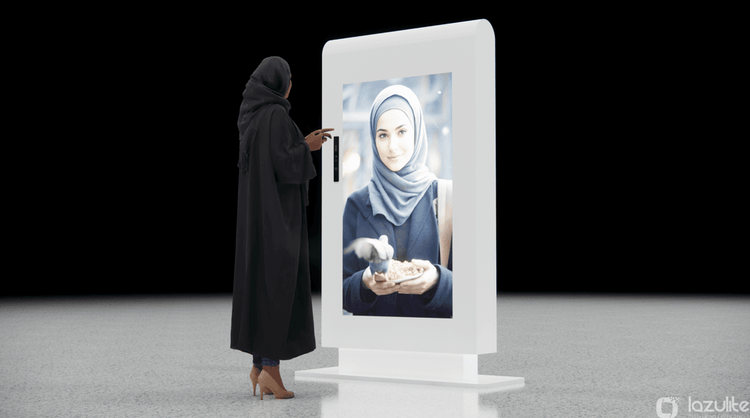
55-Inch OLED Portrait Display
A tall, slim touch screen shaped like a person, which suits product browsing and digital hosts.
Key features
Typical uses
| Type | Interactive OLED touch display |
|---|---|
| Formats | 55-inch portrait, 55-inch landscape, 55-inch slanting kiosk, 30-inch floor kiosk, 55-inch landscape kiosk |
| Touch | Multi-touch, several users at once |
| Content | Catalogues, quizzes, forms, maps and video |
| Languages | English and Arabic |
| Supply | Rent, with a template or custom app |
| Connectivity | Runs offline, data exports after the event |
| Power and setup time | One socket per screen, usually under half a day |
Exact panel details are matched to your venue and content during the site survey.
Delivered at
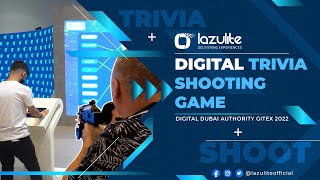
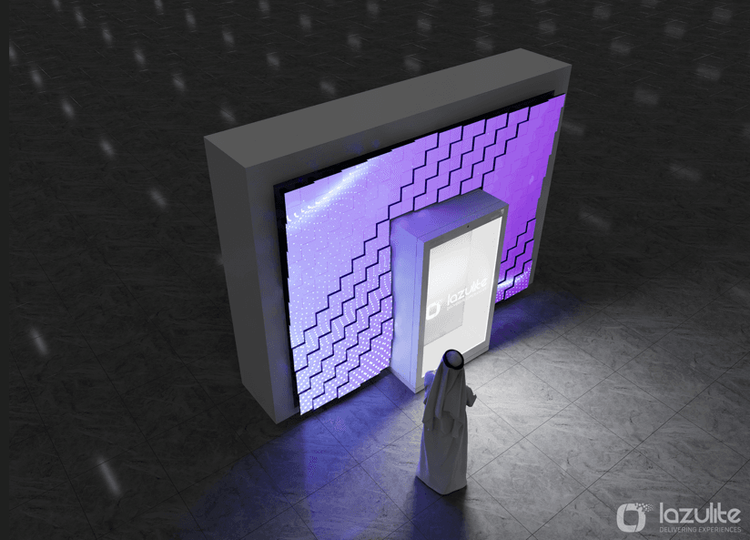
A trivia game visitors played on touch screens at the Digital Dubai stand, keeping crowds on the stand between talks.
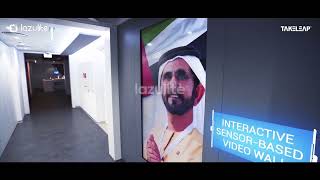
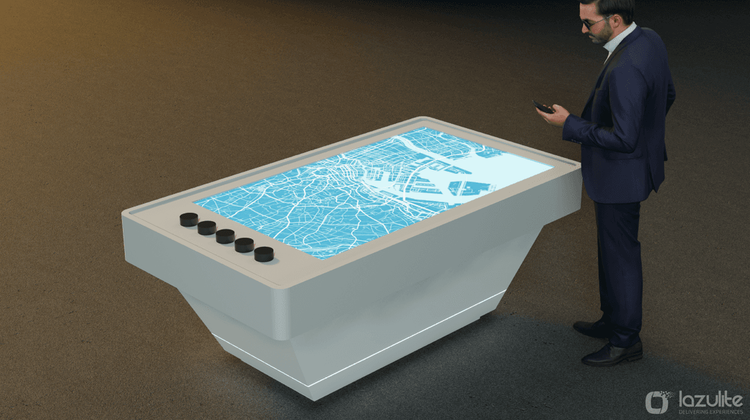
A permanent experience centre where visitors explore city data on interactive screens beside a miniature model.
A real-time conversational avatar that answers visitor questions on a portrait display.
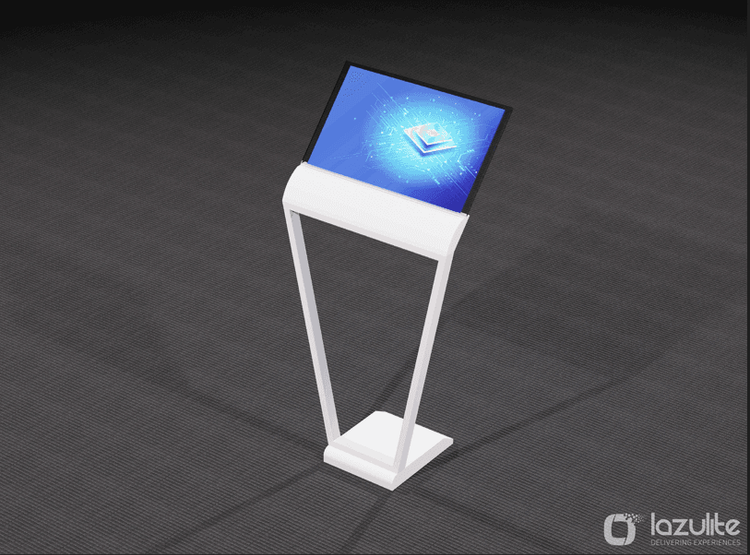
Let visitors browse every model, colour and specification, then send their choice to a sales rep.
Learn moreRental covers the screen, stand or kiosk body, media player, delivery, setup and removal, with an engineer on site. Rent by the day for a conference or by the week for a trade show.
Our designers build the app around your goal, whether that is a catalogue, a game, a form or a map. You can reuse the app at your next event.
Most screens arrive the day before opening and install in a few hours. We remove them after the show closes, usually the same night.
The engineer who loads and tests your app also stays on site. If a screen freezes or a touch zone drifts, it is fixed in minutes.
Since 2016 we have run screens at shows such as GITEX Global, Gulfood, ADIPEC, LEAP and Web Summit Qatar. We know each venue's power, data and load-in rules.
Screens, touch layers and media players are cleaned, calibrated and tested between events. Spare units travel with larger orders.
Trusted by: Agencies, Brands, Event organisers, Exhibitors












We agree the goal, screen formats, languages and stand layout before design starts.
Our designers build the touch app to each screen's size, orientation and language.
Every app runs on its screen in our workshop, so bugs show up before the show.
Engineers install the screens, then monitor and support them for the whole event.
We remove the screens and share touch counts, popular content and captured leads.
A freestanding 55-inch screen needs under 1 square metre, plus room for two or three people in front. Keep the aisle clear of queues.
Each screen needs one standard power socket. Apps run offline, so venue Wi-Fi is optional. A cable link helps when leads must reach your CRM live.
Kiosks stand on a weighted base, and wall-mounted screens fix to the stand structure. We provide the drawings and load details that organisers ask for.
Screens travel in padded flight cases. We book load-in slots and check lift sizes, so every unit reaches the stand undamaged.
The number of screens, event days, screen format and the app you need set the price. A simple video loop costs less than a custom game or form.
Renting screens with a ready template app keeps cost low. A custom app costs more upfront, but you can reuse it across events and markets.
Arabic versions, CRM links, extra screens, kiosk branding and extended hours are priced as add-ons. You pay only for what you use.
Budgets fall into compact, standard and flagship bands. Share your screen count and dates, and we will confirm a range for your scope.
Budget bands
Compact
One or two screens, one event
Standard
Several screens, custom content
Flagship
A full touch experience
Rent vs custom
| Metric | Rent | Custom build |
|---|---|---|
| Speed to launch | Higher | Lower |
| Upfront investment | Lower | Higher |
| Brand uniqueness | Lower | Higher |
| Reuse value | Lower | Higher |
Rent
Proven screens, fast
Custom build
Built only for you
A touch screen stands upright, so the aisle sees it from a distance. A tangible table lies flat and reacts to objects placed on it, which suits small groups. A table usually costs more per unit.
Choose touch screens for catalogues, forms and games that one or two people use at a time, and for content the aisle should notice.
Choose a tangible table when visitors gather around one surface and explore real products or objects together.
Start with how many people use it at once and whether physical objects matter. For quick one-to-one tasks, tablets on stands can also work. We advise on the mix during the brief.
Can't find your answer? Speak with our Dubai team.
Yes. Every quote includes delivery, installation and removal by our own crew, so there is no separate labour charge. The quote also lists extras such as extended show hours, extra screens or kiosk branding, so you see the full scope before you confirm.
Let's build it together
Tell us about your event, venue and dates, and our Dubai team will reply with a recommended screen mix and a budget range. From two screens on a stand to a bilingual touch experience across the GCC, one team builds the app and runs the screens. Share your brief, or call or WhatsApp us.
Let's Discuss Your Project